


Reachly 300Mbps WiFi-Repeater
Reachly 300Mbps WiFi-Repeater
Reachly picks up your existing WiFi and carries it further through walls and floors, so bedrooms, home offices and far corners finally get a connection you can rely on. Four external antennas spread the signal wider, and one-button WPS pairing gets it working in seconds, without changing your router.
Up to 300Mbps WiFi Speed
4 External Antennas
Signal Through Walls and Floors
One-Button WPS Pairing
Couldn't load pickup availability

Reachly 300Mbps WiFi-Repeater

My router is downstairs, and the WiFi in our bedroom has always been unreliable. I placed this repeater between the router and the room, and it has made a noticeable difference for my everyday browsing. Setup was straightforward using the WPS button, which saved me from dealing with complicated settings.


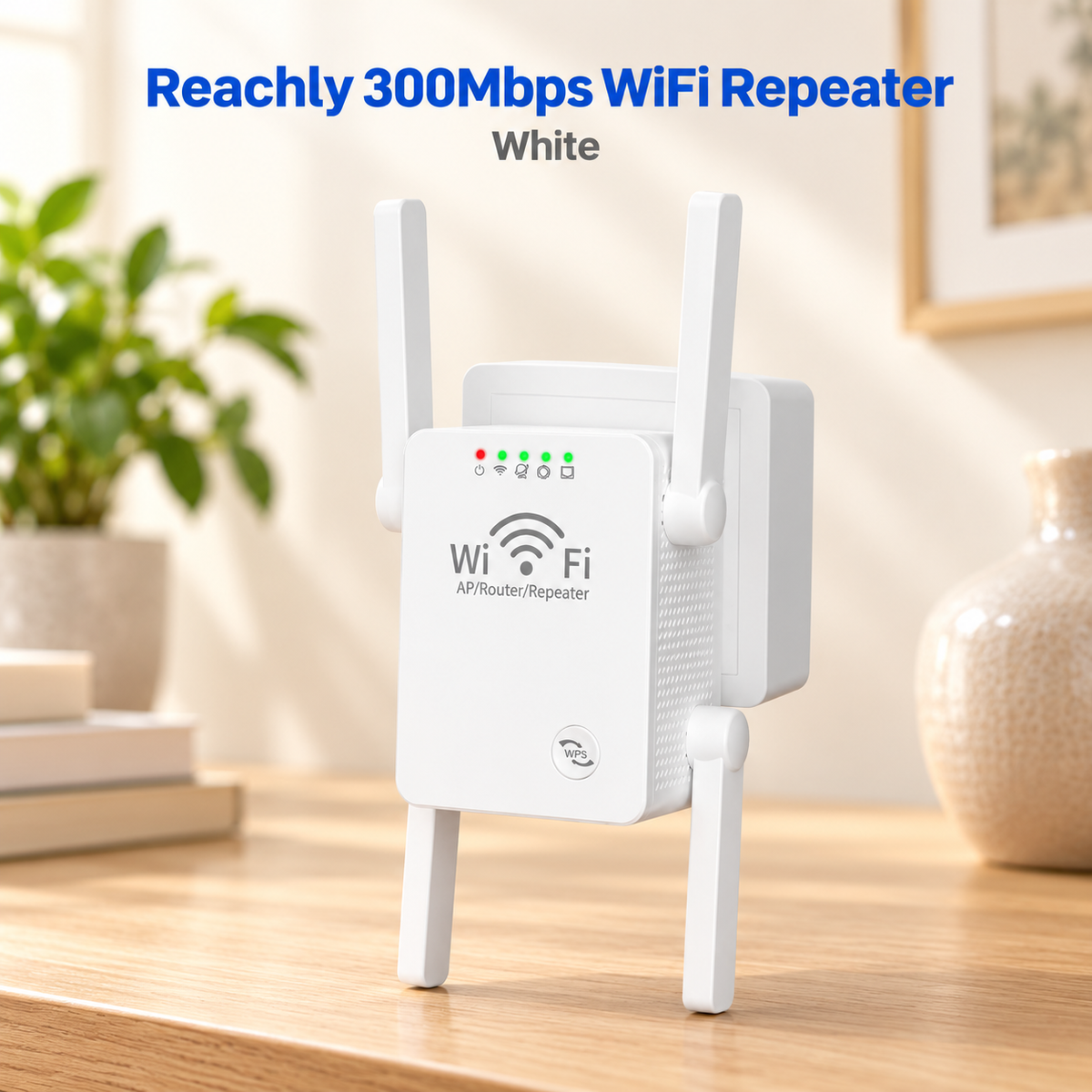


Up to 300Mbps for Everyday Use
Smooth browsing, streaming and video calls in the rooms that used to buffer. Reachly brings a strong, usable signal to the spots your router couldn’t reach on its own.

Reach the Rooms Your Router Can’t
Four external antennas push WiFi through walls and floors, bringing a steady signal to bedrooms and far corners. Works with standard 2.4GHz routers

Built for Stronger WiFi
Four external antennas spread the signal wider, indicator lights show its status at a glance, and the WPS button pairs it with your router in one press.
What Our Customers Say
Excellent 4.8 / 5
I'm not particularly technical, so I wanted something that wouldn't require a long installation process. Pairing this with my existing router was easier than expected, and the indicator lights helped me understand when it was connected. Once set up, I could use my phone and laptop in the room where the signal used to struggle.
Why Settle for Less?
A closer look at what sets Reachly apart from ordinary repeaters.
| Reachly | Others | |
|---|---|---|
| 4 External Antennas | ||
| Reaches Through Walls and Floors | ||
| Repeater + Access Point Modes | ||
| One-Button WPS Pairing | ||
| Setup From Your Phone’s Browser | ||
| Status Indicator Lights | ||
| Mini Size Design |
Why Choose the Reachly WiFi Repeater?
The simple fix for weak WiFi at home.
Frequently Asked Questions
Will it work with my router?
Will it work with my router?
Yes, Reachly works with standard 2.4GHz home routers, which is what most home routers support. You don’t need to replace your current setup.
How do I set it up?
How do I set it up?
If your router has a WPS button, press it, then press the WPS button on Reachly, and they pair in about 10 seconds. If your router has no WPS button, you can set it up from your phone’s web browser in about 3 minutes.
Does it support 5GHz WiFi?
Does it support 5GHz WiFi?
No. Reachly works on the 2.4GHz band only, which travels further and passes through walls better, and that’s what matters most when extending coverage.
How fast is it?
How fast is it?
Reachly supports wireless speeds of up to 300Mbps. Your actual speed also depends on your internet plan and your router.
Where should I place it?
Where should I place it?
About halfway between your router and the area with weak signal, in a spot where it still picks up your router’s WiFi well.
What’s the difference between Repeater mode and Access Point mode?
What’s the difference between Repeater mode and Access Point mode?
Repeater mode extends the WiFi network you already have into more of your home. Access Point mode creates a fresh WiFi signal from a wired internet connection.
How do I know it’s working?
How do I know it’s working?
The indicator lights on the front show its status, so you can see at a glance that it’s powered on and connected